
Skip to main content
What Else Would You Like To Know?
How to Add Lead Time for Scheduling Inspections
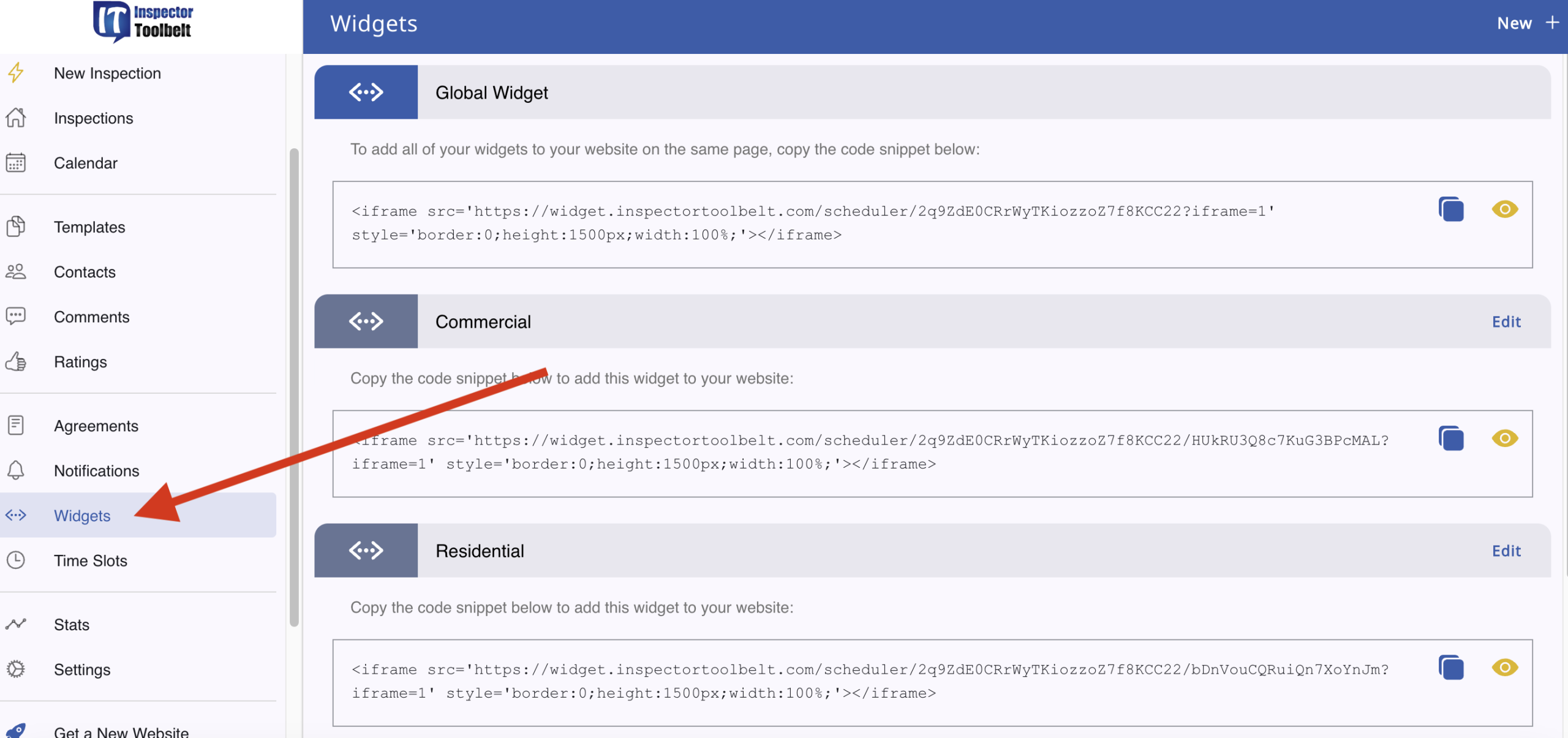
By setting a Lead Time, you control how soon before an appointment a client can schedule. This feature is set in your Widget. (If you have not yet created a Widget, please see this article on how to do so: https://inspectortoolbelt.com/knowledge-base/setting-up-your-scheduler/).
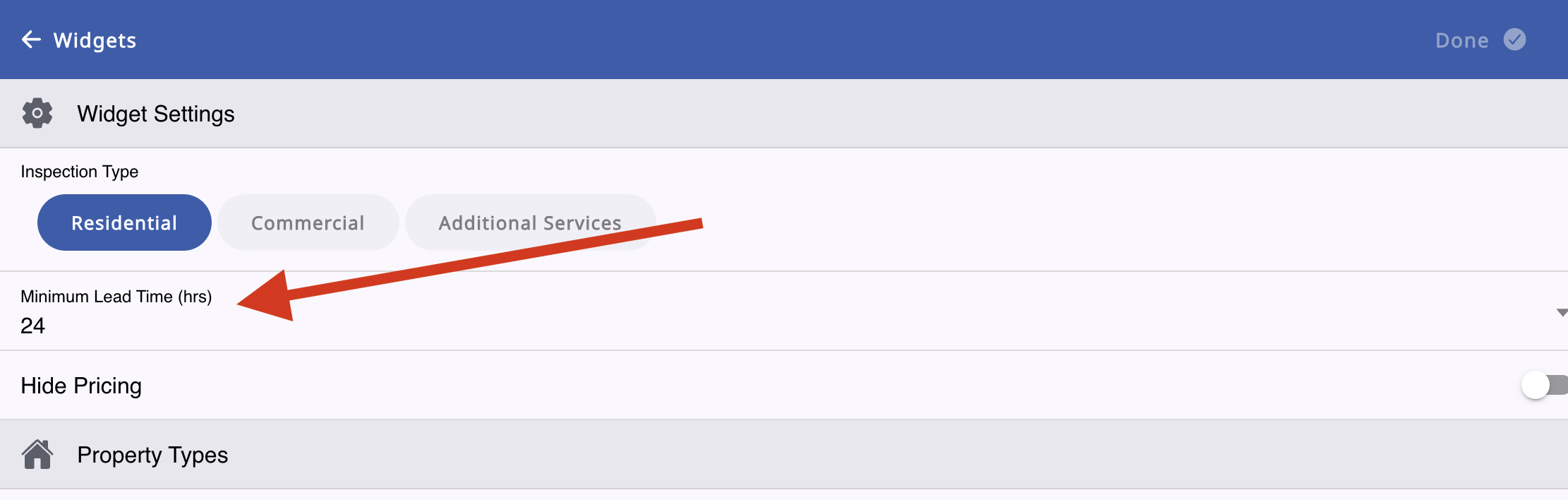
Click on Minimum Lead Time (hrs).
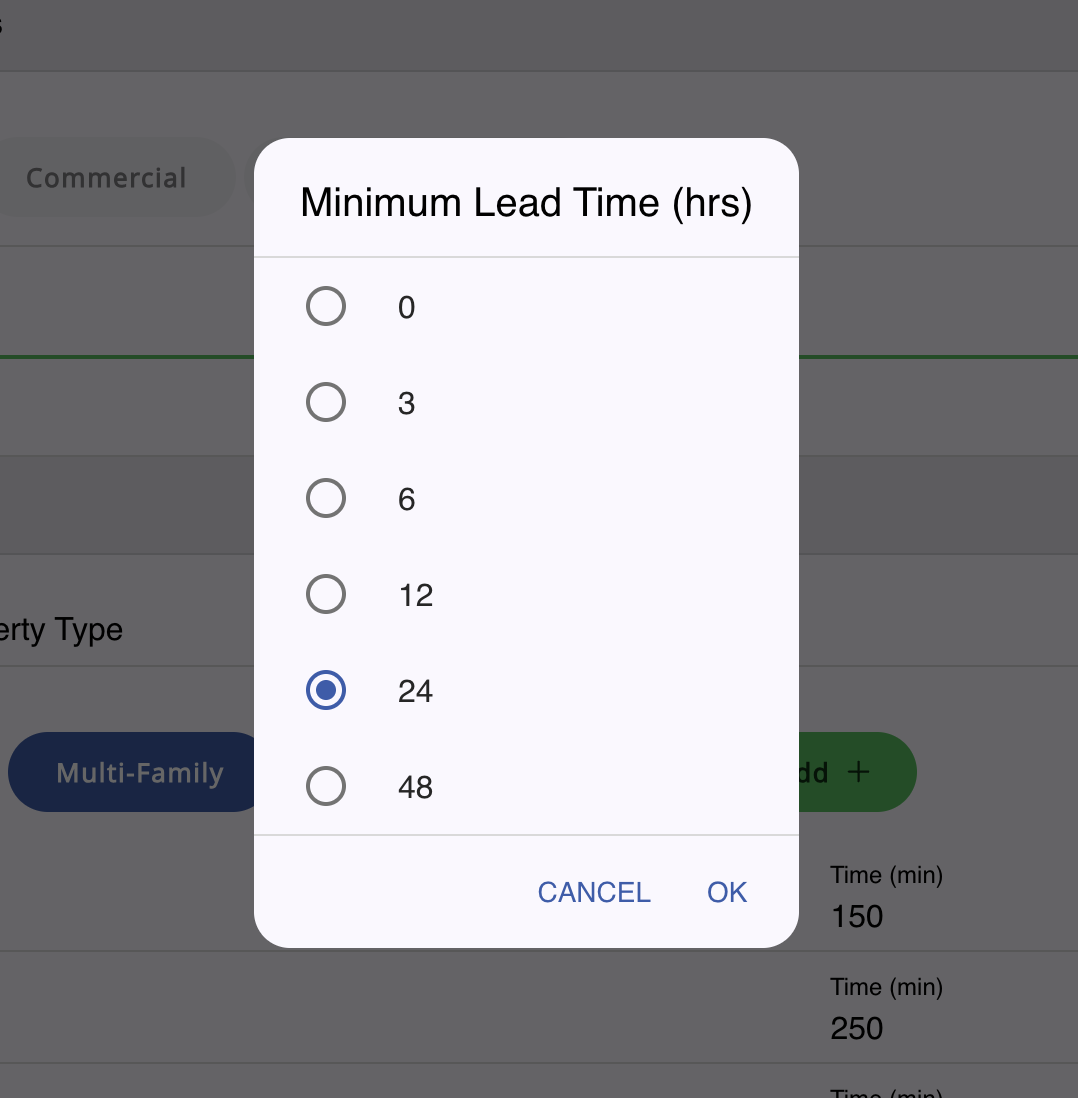
Choose your Lead Time. For example, if you don’t want a client booking an appointment with less than 24 hours’ notice, click the 24.