
Why Is My ITB App Running Slow?
If your ITB app is running slower than usual, several factors could be affecting performance. Consider the following:
App Version
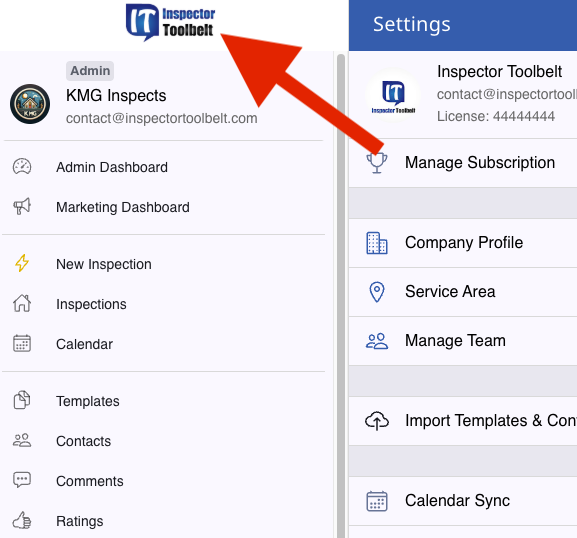
Make sure your ITB app is up to date. Click the ITB logo to check your current version, and compare it to the latest version available in your app store.
Device Age
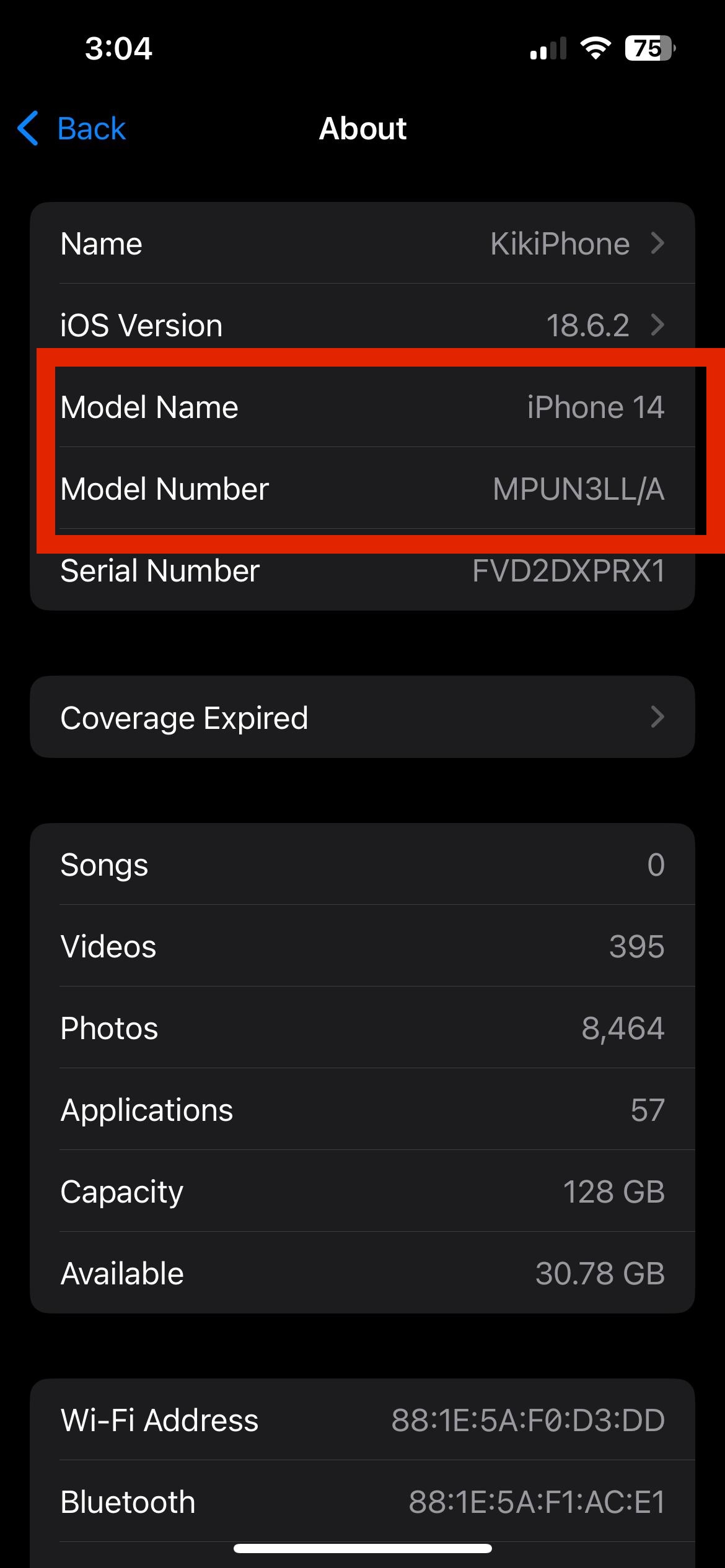
Older devices may have slower processors or less memory, which can impact app performance. You can find out the model information of your device under Settings on your phone/tablet.
Device Storage
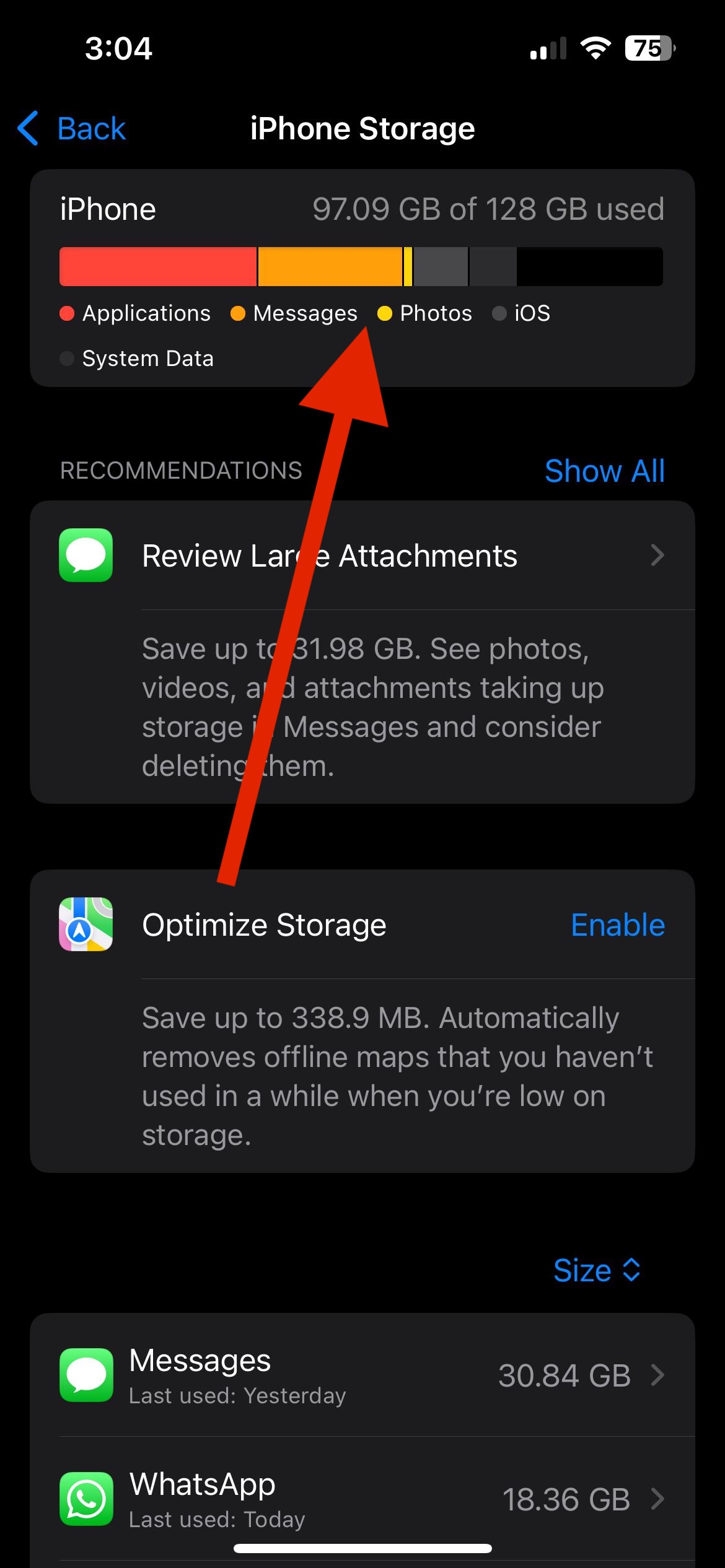
Low storage can cause your device—and apps—to run more slowly. Check your storage and free up space if needed.
Operating System
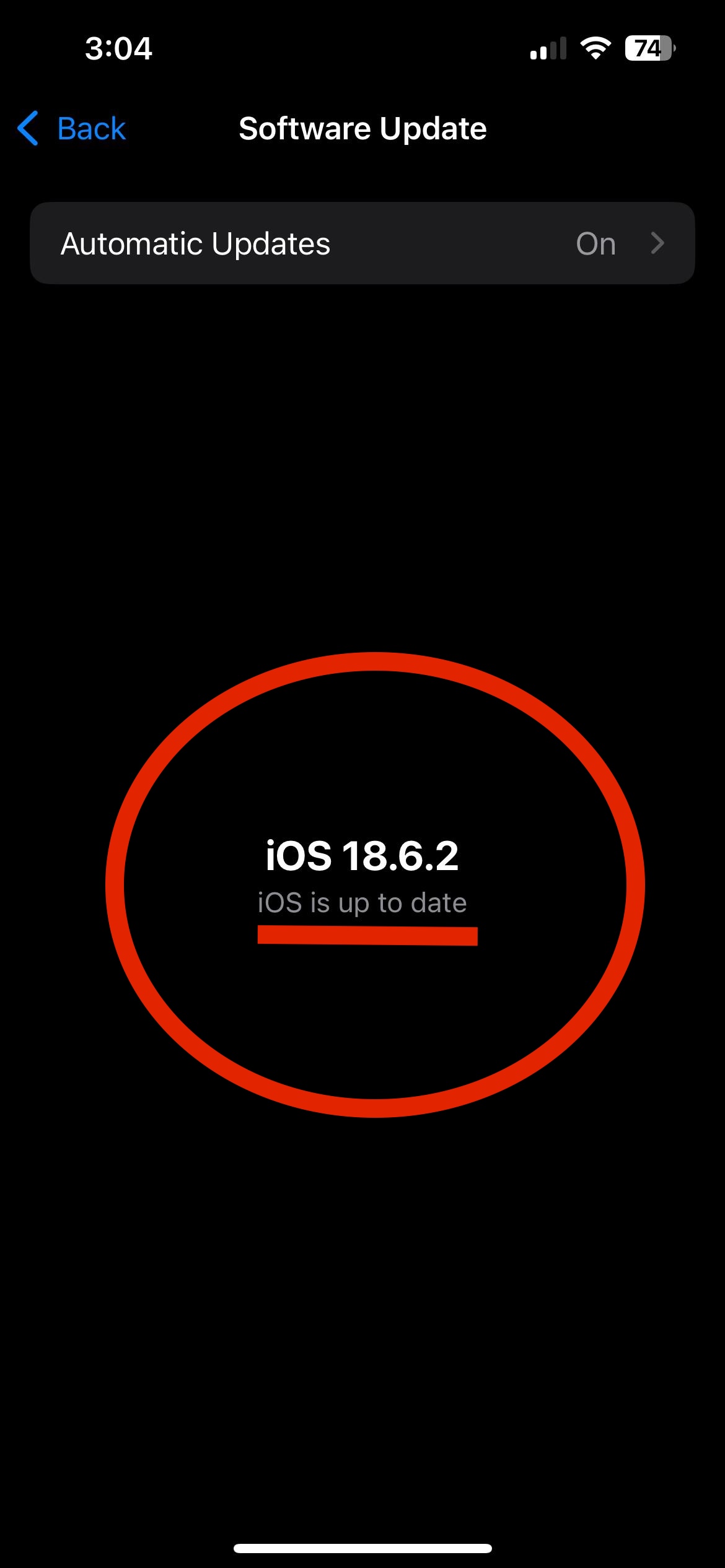
Ensure your device’s OS is updated. Outdated OS versions can lead to compatibility or performance issues.
Apps Running in the Background
Running multiple apps simultaneously can use up your device’s resources. Close unused apps to free up memory and processing power.
Internet Connection
A slow or unstable internet connection can affect how quickly the app functions, especially for features that rely on real-time data.