
Skip to main content
What Else Would You Like To Know?
How to Edit Inspections That Are Approved
Learn how to edit an inspection that you have already approved. Before doing this, please note that the steps below will trigger your notifications to be resent when you approve the inspection again after editing. Your agreement and invoice will be deleted and regenerated as well. So you may want to save your signed agreement and invoice before following these steps.
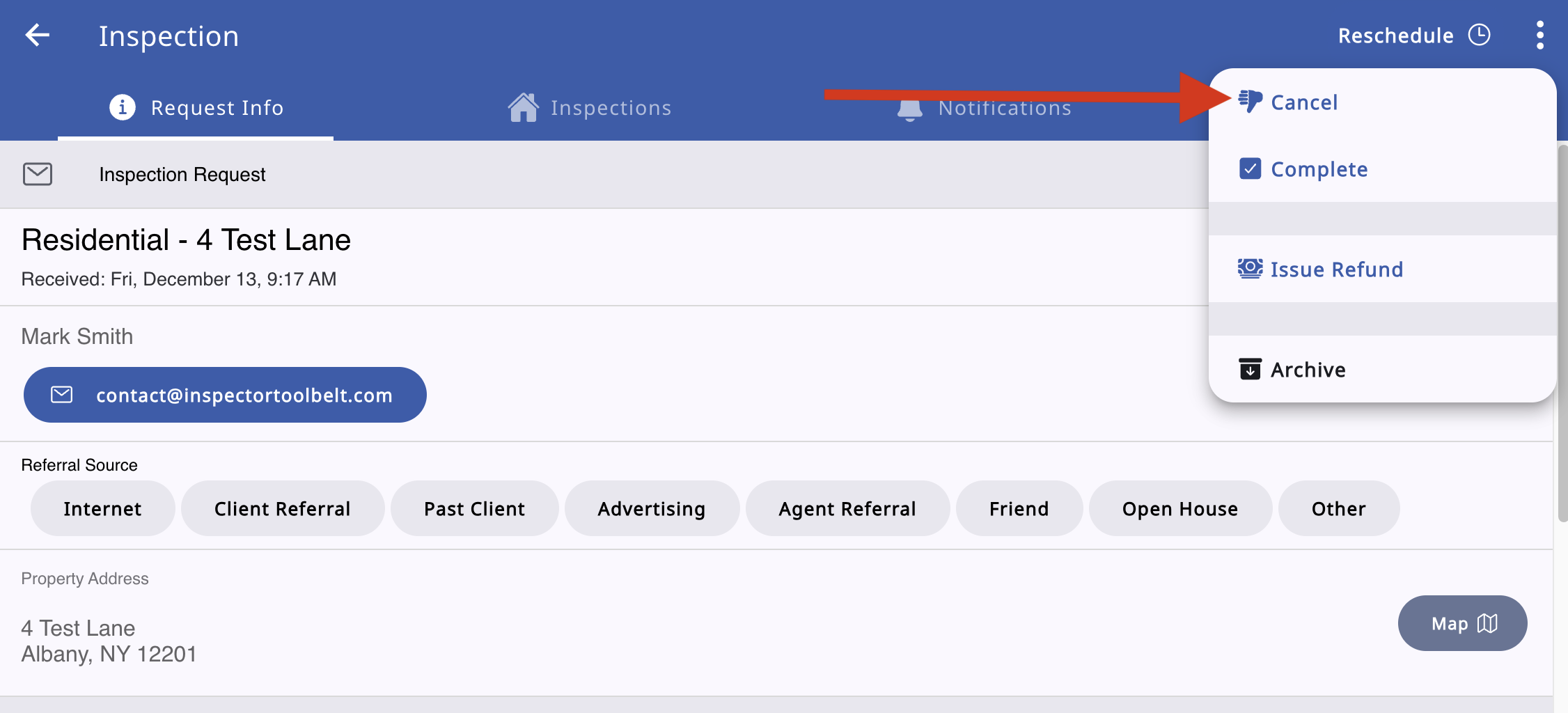
First of all, open your inspection, and click the 3 dots on the upper right corner. Choose Cancel.
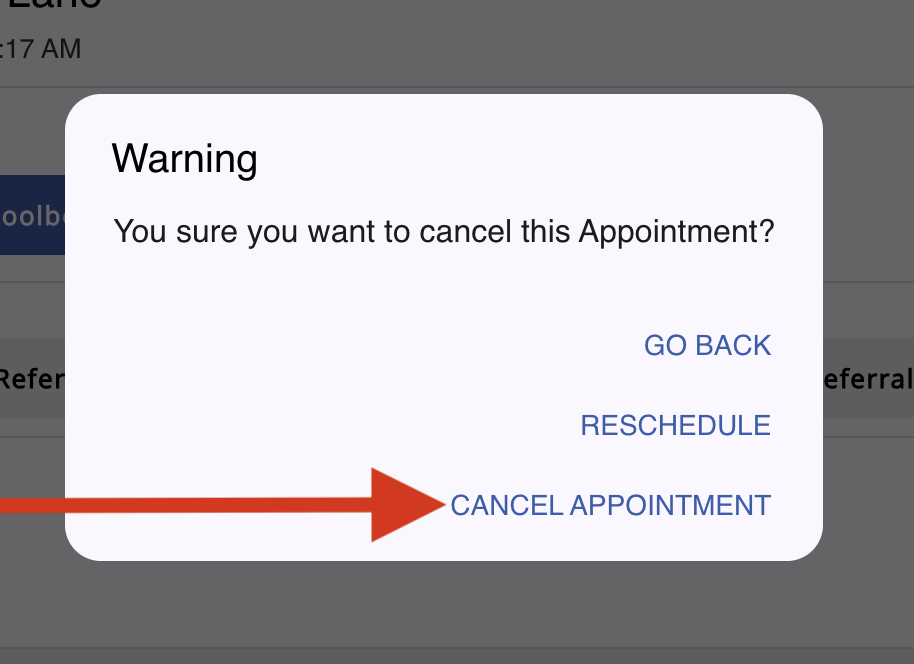
Now select CANCEL APPOINTMENT.
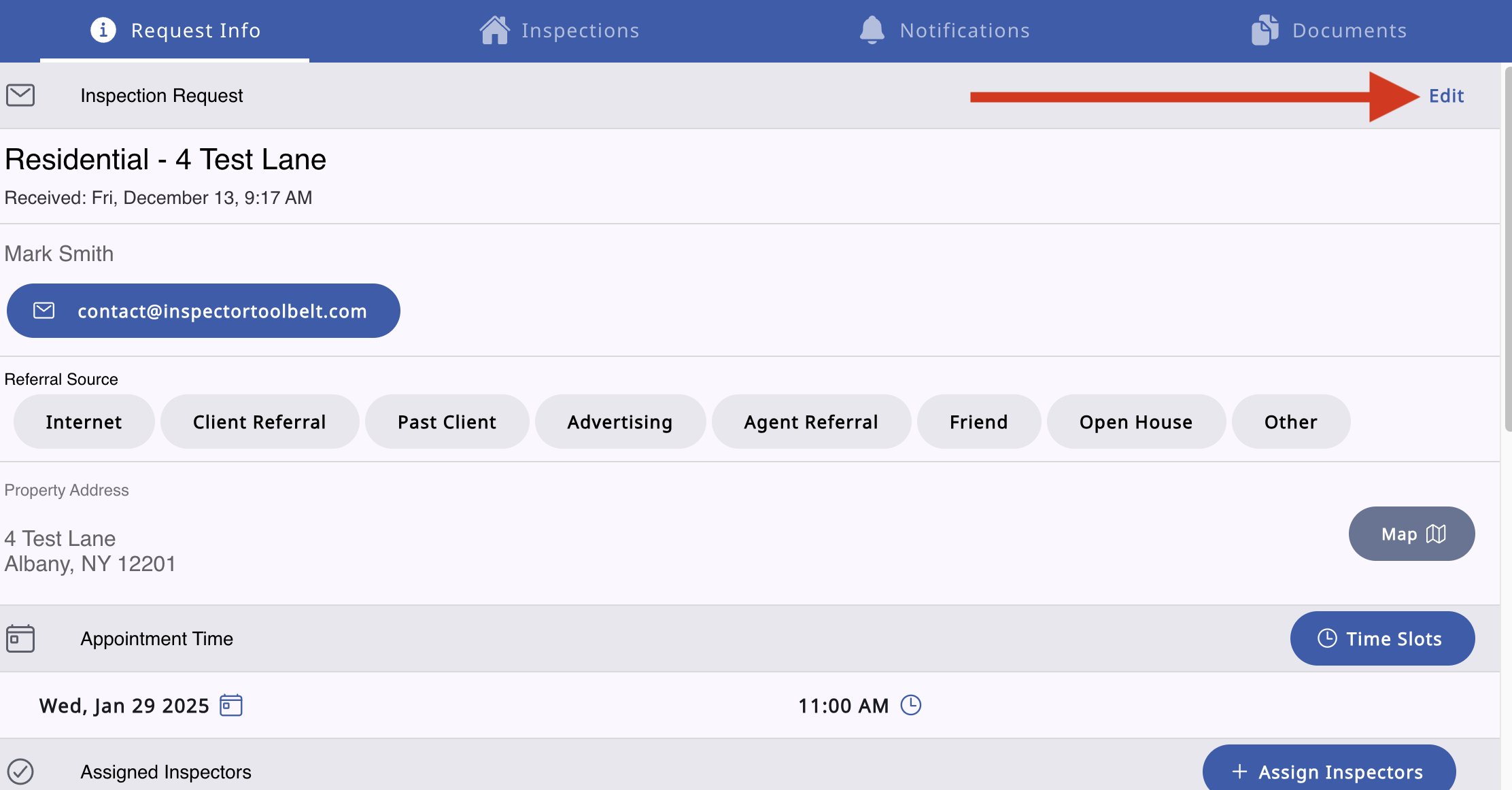
The Edit buttons on your inspection sections are now enabled for you to make the needed changes. After making changes, approve the inspection again.