
Skip to main content
What Else Would You Like To Know?
How do I cancel my software subscription?
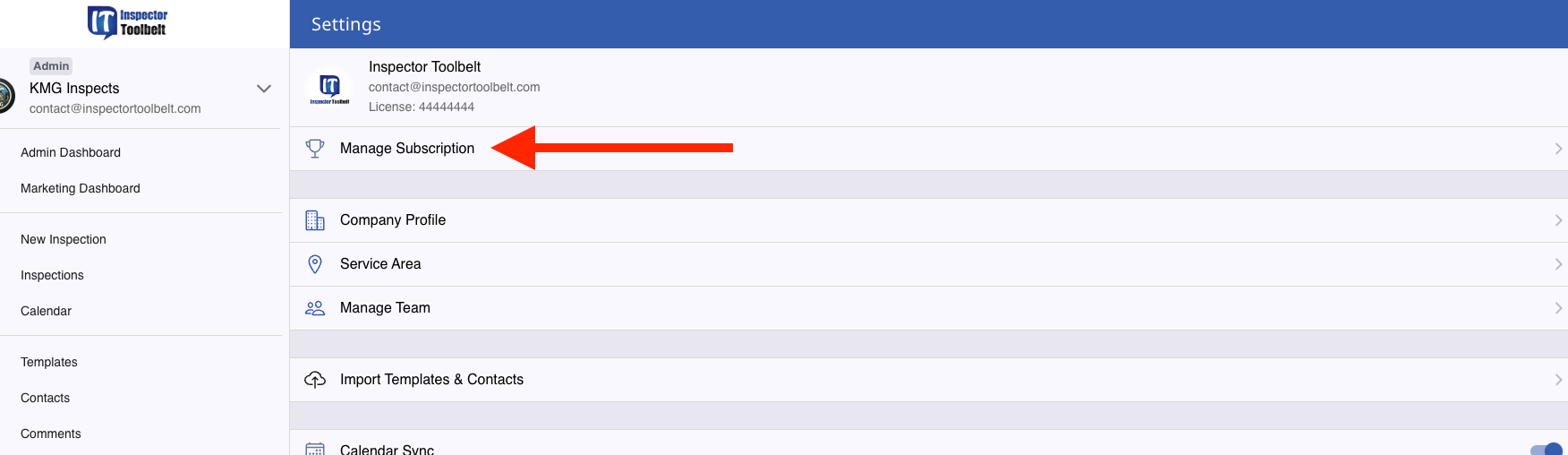
To cancel your subscription, you will need to be on a computer and do this through a browser. Log in to your ITB account, go to Settings, and then Manage Subscription.
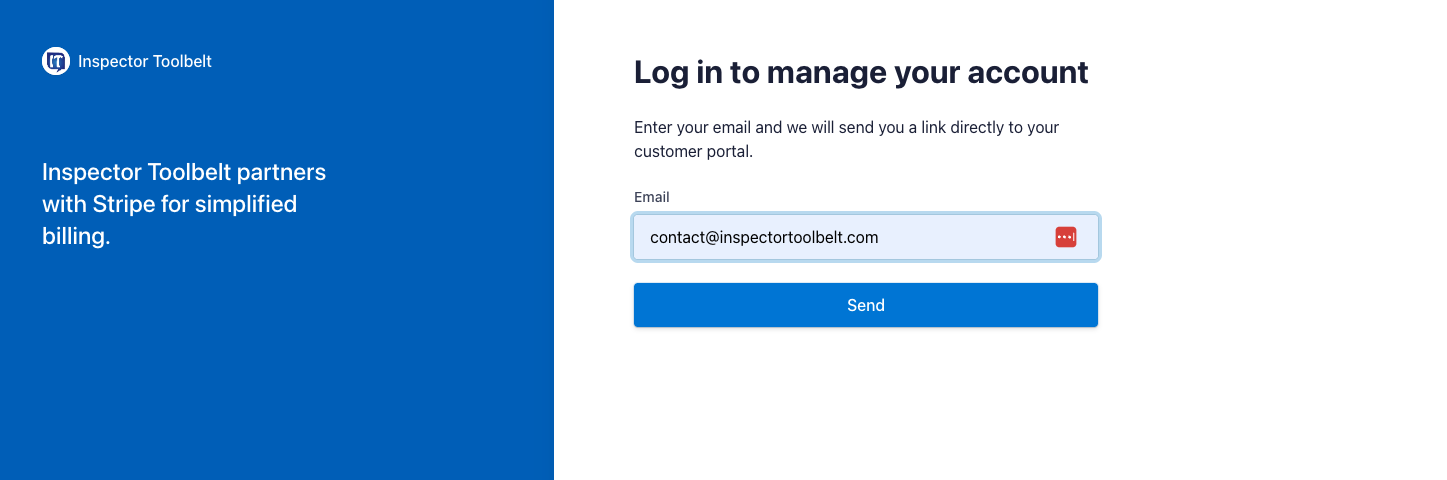
Enter your account email. You will then receive an email with a portal link.
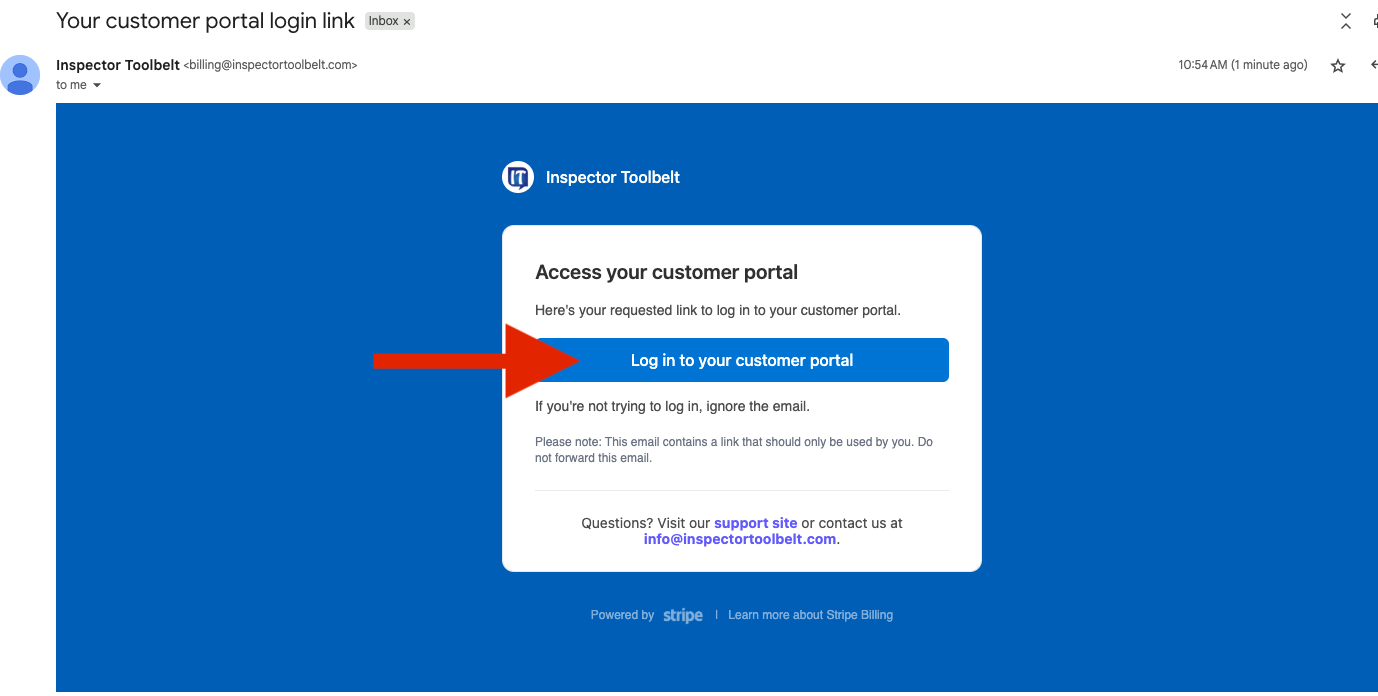
From the email, click the “Log in to your customer portal” button.
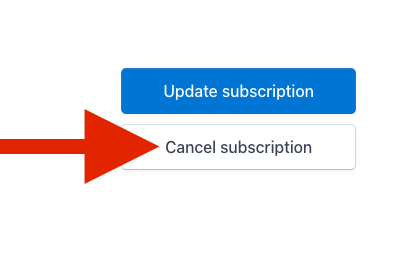
Then hit Cancel subscription and follow the steps.